
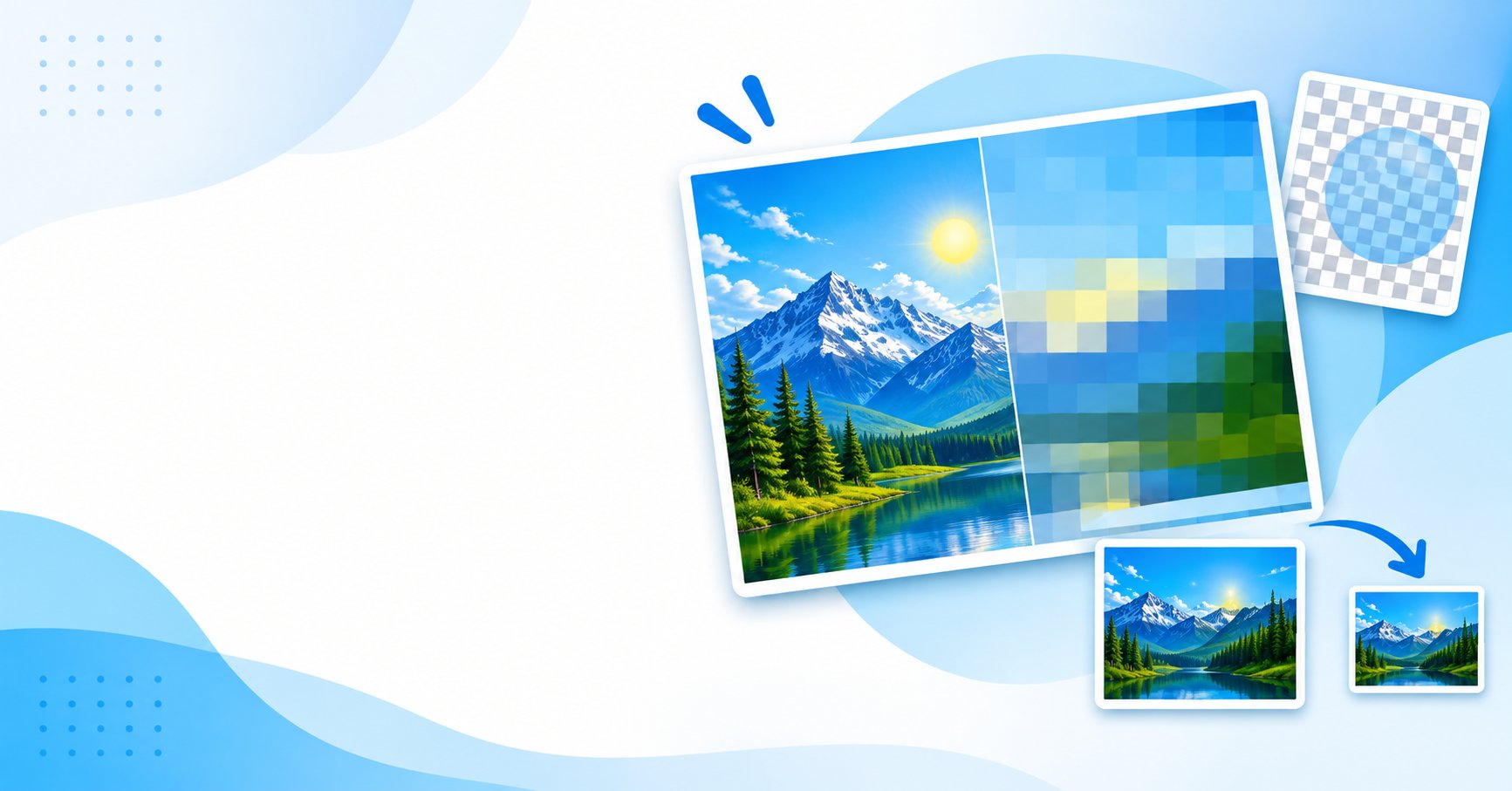
Resizing an image and compressing an image sound like the same job, but they work in different places. Resizing changes the pixel grid. Compression changes how the pixel data is stored. Mixing them up is why some "optimized" images still look soft or still load slowly.
Two domains, two kinds of work
The spatial domain is the pixel grid you see on screen. The frequency domain describes how quickly color and brightness change from one pixel to the next. Lossy formats such as JPEG and lossy WebP work in the frequency domain, while resizing works in the spatial one.
How lossy compression shrinks a file
Lossy encoders split the image into 8×8 pixel blocks and apply the Discrete Cosine Transform (DCT). Each block becomes 64 frequency components:
- The DC coefficient is the average value of the block.
- The AC coefficients describe finer detail: texture, sharp edges and subtle gradients.
Human vision notices small changes in brightness more than fine color detail, so the encoder divides the high-frequency values by larger numbers and rounds them. Many of them become 0, and long runs of 0s are cheap to store with run-length and Huffman coding. That rounding is the "loss" in lossy.
Lossless formats like PNG skip this step. PNG applies line filters (Sub, Up, Average, Paeth) and then DEFLATE compression. The file gets smaller by removing repeated patterns, and every original pixel value is kept.
Keeping transparency intact
A 32-bit RGBA pixel stores 8 bits each for red, green, blue and alpha, which gives 256 levels of opacity. Problems start when a transparent PNG is saved as JPEG: JPEG has no alpha channel, so the transparent area is filled with a solid background color.
- PNG can carry transparency as a palette with a
tRNSchunk (PNG-8) or as a full alpha channel (PNG-32). Turning a PNG-32 with soft shadows into PNG-8 can leave harsh edges. - WebP stores color data and a separate lossless alpha stream, so soft edges can be kept.
Resizing in the browser with canvas
Before compressing a large photo, reduce it to the size it will actually be displayed at. The HTML5 canvas can do this locally:
const canvas = document.createElement('canvas');
canvas.width = targetWidth;
canvas.height = targetHeight;

const ctx = canvas.getContext('2d', { alpha: true });
ctx.imageSmoothingEnabled = true;
ctx.imageSmoothingQuality = 'high';

ctx.drawImage(sourceBitmap, 0, 0, targetWidth, targetHeight);

canvas.toBlob((blob) => {
  // use the compressed file here
}, 'image/webp', 0.85);
Setting imageSmoothingQuality to 'high' asks the browser for a higher-quality interpolation filter, which reduces the jagged steps you get from nearest-neighbor scaling. Because this runs on the user's device, there is no upload step and no server-side file size limit. For heavy work, OffscreenCanvas can move resizing off the main thread so the interface stays responsive.
Why image size affects Core Web Vitals
Largest Contentful Paint (LCP) measures how fast the main visible content appears, and Google treats 2.5 seconds or less as "good". On many pages the LCP element is an image.
A common mistake is placing a 4032×3024 phone photo in a card that shows at 600×450. The browser still downloads the full file and has to decode it. A 12-megapixel image takes about 48 MB of raw RGBA memory (4000 × 3000 × 4 bytes) while it is rasterized, which can cause dropped frames on low-memory phones. Resizing to the displayed size first reduces both the transfer and the memory work.
Quick answers
Does re-saving a JPEG reduce quality? Yes. Each lossy save repeats the quantization step, and block artifacts build up around high-contrast edges.
When is WebP a good choice? When you want both lossy and lossless modes with 8-bit alpha in one format.
What about EXIF orientation? Modern browsers apply it when you decode with createImageBitmap() or draw to a canvas.
Try it
If you want to resize or compress JPG, PNG or WebP files without a server upload, the ToolsGrid Image Compressor and Image Resizer process files in your browser, not uploaded to ToolsGrid servers.
Originally published on the ToolsGrid blog.
Comments
Join the discussionNo comments yet. Be the first to comment.