
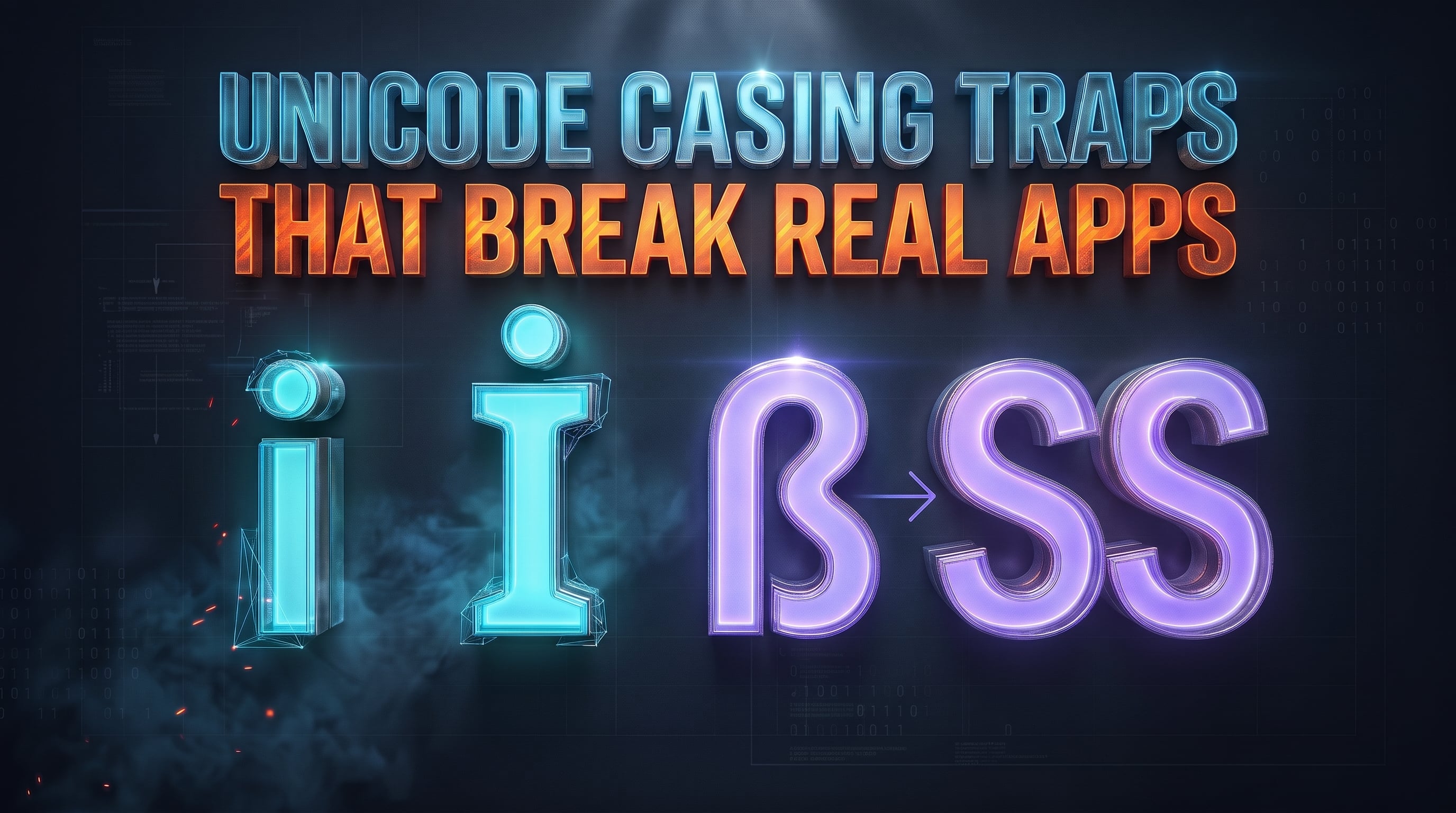
Changing the case of a string looks like arithmetic: take the code for a (97), subtract 32, and you have A (65). That holds for 26 ASCII letters and nothing else. Real applications handle text from every language, and naive casing shows up as failed logins, duplicate accounts and lookups that quietly miss.
The Turkish "i" bug
Turkish and Azeri have two separate letters here: dotted i / İ and dotless ı / I. Under Turkish rules, lowercase i uppercases to İ (U+0130), not I.
The trouble starts when a library picks up the machine's locale on its own. In Java, "admin".toUpperCase() with no explicit locale returns "ADMİN" on a Turkish system, and C# ToUpper() behaves the same way under the current culture. A check like role.toUpperCase().equals("ADMIN") then fails only for Turkish users, and only in production.
JavaScript avoids this by default: toUpperCase() ignores the host locale, and only toLocaleUpperCase("tr") applies Turkish rules.
"title".toUpperCase()              // "TITLE"
"title".toLocaleUpperCase("tr")    // "TİTLE"
"I".toLocaleLowerCase("tr")        // "ı"
The practical rule: use locale-independent conversion for identifiers, keys and protocol strings. Use locale-aware conversion only for text people read.
When uppercase changes the length
Unicode case mapping is not always one character to one character:
"straße".toUpperCase()returns"STRASSE". One character became two.- The ligature
fi(U+FB01) uppercases toFI. - Greek
Σlowercases toσinside a word but toςat the end, so the result depends on context.
If you store an uppercased value in a fixed-width column or buffer, a string that fit before conversion may be cut off or rejected after it. Measure the converted string, not the original.
Lowercasing is not case folding
Lowercasing prepares text for display. Case folding, defined in Unicode's CaseFolding.txt, prepares text for caseless comparison. The German example shows the gap:
"STRASSE".toLowerCase() === "straße".toLowerCase() // false: "strasse" vs "straße"
Full case folding maps both sides to "strasse", so they would compare equal. JavaScript has no built-in caseFold(). For human-facing matching you can compare with Intl.Collator(undefined, { sensitivity: "base" }). For identifiers, normalize and lowercase in the same way on both the write side and the lookup side.
One character, two representations
The letter é can be a single code point (U+00E9) or an e followed by a combining accent (U+0065 U+0301). They look identical but are different strings:
"\u00e9" === "e\u0301"                      // false
"\u00e9" === "e\u0301".normalize("NFC")     // true
"\uFB01".normalize("NFKD")                  // "fi"
"\uFF21".normalize("NFKD")                  // "A" (full-width A)
- NFC composes sequences into single code points. Good for storing and comparing user text.
- NFD splits letters from their accents. Useful for stripping accents when building URL slugs.
- NFKC / NFKD also fold compatibility characters such as ligatures and full-width forms. Useful for search indexes and username uniqueness checks.
For usernames, a safe pipeline is: normalize (NFKC), then lowercase or case-fold, then compare. Skip the first step and two visually identical names can exist as separate accounts.
Naming conventions across the stack
Data crosses several layers, and each has its own habit. Mixing them inside one layer is what causes mapping bugs.
| Layer | Convention | Reason |
|---|---|---|
| SQL databases | snake_case | Many databases fold unquoted identifiers to one case, so underscores keep word boundaries |
| REST / GraphQL APIs | camelCase | JavaScript object keys map straight into frontend state |
| CSS and URLs | kebab-case | Hyphens are legal in selectors and paths and read as word separators |
| Classes and components | PascalCase | Marks types and UI components in JS, TypeScript, C# and React |
Moving between these needs a deterministic splitter: break words on uppercase transitions, digits and punctuation, then join them in the target style.
Doing the conversion in the browser
The ToolsGrid Case Converter handles Title Case, camelCase, PascalCase, snake_case, kebab-case and URL slugs. It uses locale-independent toUpperCase() and toLowerCase(), so output matches across devices. Its slug mode applies NFD and strips combining accents, so Café Menu becomes cafe-menu. Text is processed in your browser, not uploaded to ToolsGrid servers.
Originally published on the ToolsGrid blog: Unicode Case Folding, String Algorithms & Software Naming Conventions
Try the tool: ToolsGrid Case Converter
Comments
Join the discussionNo comments yet. Be the first to comment.